How to tailor your CV to a job description
Tailor your CV by matching the role’s main requirements to experience you can explain, making that evidence easy to find and checking the file you send. Change the emphasis and wording while keeping your employment history accurate.

1. Read the job description for priorities
Start with the work the employer needs someone to do. Highlight the main responsibilities, required skills and explicit conditions. A backend role might emphasise API reliability, database changes and collaboration with product teams. Those priorities should guide which examples you make prominent.
The National Careers Service’s CV guidance recommends tailoring your CV to the advert and highlighting skills the employer requests. For most industry applications, the same approach applies to a document called a resume. Academic CVs and country-specific conventions may need a different format.
Keep a copy of the advert alongside your original CV. Read the responsibilities as well as the technology list: mentioning Kubernetes in the company description does not establish how much the role will use it. If the vacancy itself is unclear, use these questions about the recruitment process before spending hours rewriting.
2. Separate requirements, preferences and gaps
Mark explicit essentials separately from preferences such as ‘helpful’ or ‘nice to have’. For each essential, record whether you have direct evidence, related experience or no evidence yet. Do not turn your interpretation into certainty: ask the recruiter when a requirement would determine whether the application is viable.
A comparable technology can demonstrate useful concepts without becoming experience in the requested tool. Explain the connection honestly. A personal container project is evidence of learning; it is not the same claim as operating production infrastructure.
Keep genuine gaps visible in your working notes. Decide whether to apply with a clear explanation or turn the skills gap into a focused learning plan. Adding the missing term to a skills list does not resolve it.
3. Build a requirement-to-evidence map
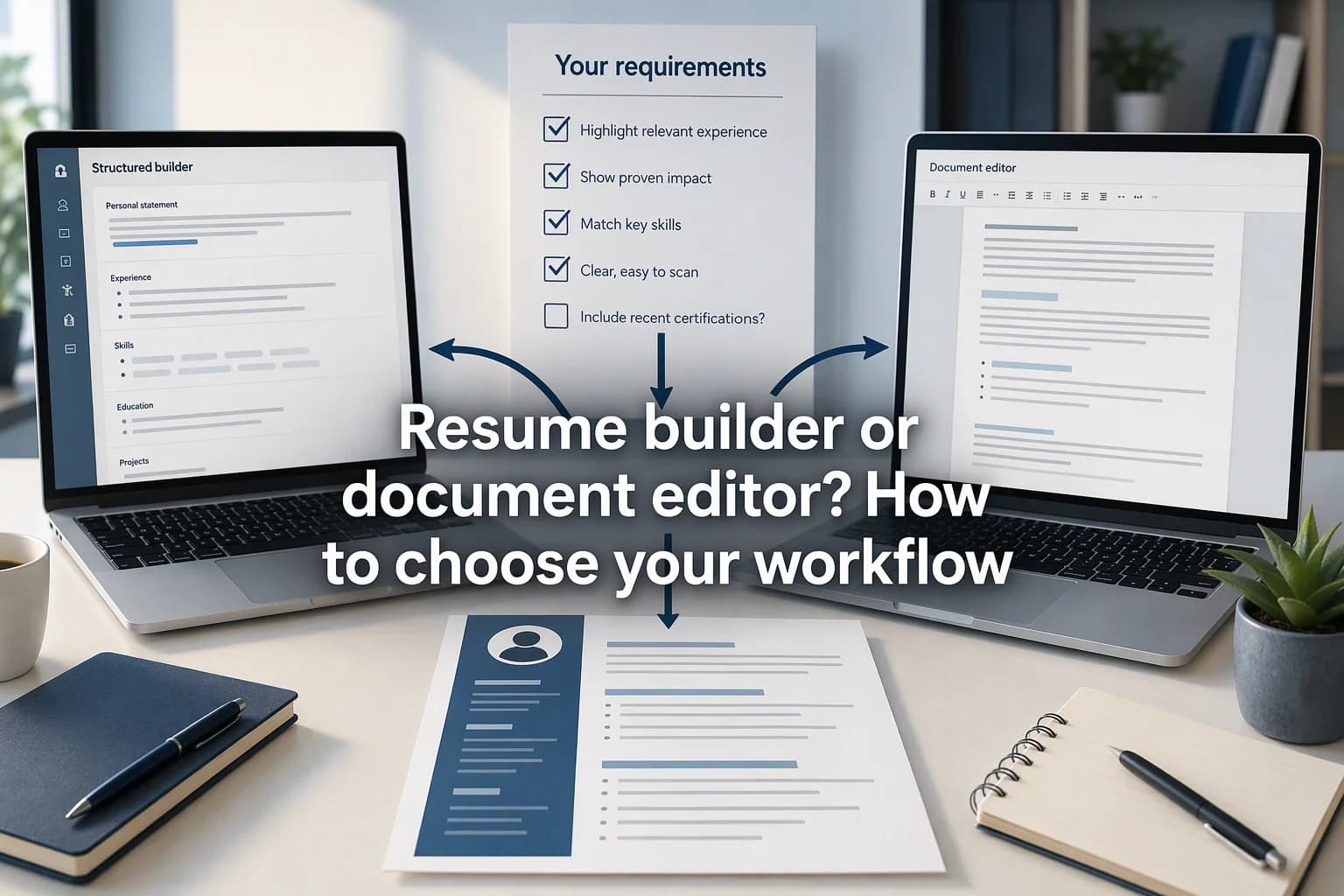
Create a small table before editing. For each priority, find a project, decision or result that you could discuss in an interview. Include your own contribution and the context needed to understand its scope.
The entries below are hypothetical. Use the structure with your own experience; do not copy the achievements. Where no direct evidence exists, keep the distinction visible.
| Job requirement | Evidence available | Accurate CV emphasis |
|---|---|---|
| API reliability | Added input validation and integration tests | The endpoint changed, the checks added and the failure case covered |
| Database performance | Investigated a slow report and changed a query | The investigation, query change and how its effect was checked |
| Cross-team communication | Agreed error behaviour with QA and a frontend developer | Your part in reaching and documenting the decision |
| Production Kubernetes | A local learning project only | A clearly labelled personal project, without claiming production ownership |
4. Rewrite bullets around actions and results
Use a concrete action, its context and an outcome you can support. Name the technology when it helps explain the work. Harvard’s resume guide recommends specific, active, fact-based language and showing results. This is more useful than attaching adjectives such as ‘excellent’ to a generic responsibility.
A result can be a verified behaviour, an accepted deliverable or a clearer process. Include a metric only when you know what it measures and can explain the comparison. If several people contributed, distinguish your change from the wider team outcome.
5. Adjust the summary, skills and order
If you use a summary, make it a short introduction to the relevant experience below. A claim such as ‘backend developer with experience maintaining customer APIs’ needs supporting work in the document. Avoid replacing your actual seniority or job title with the advertised title.
Move the most relevant bullets higher within each job. Keep employment dates and the timeline clear. Harvard recommends ordering sections by importance and entries within them in reverse chronological order. Early-career applicants can give relevant projects more space, with their setting and dates stated plainly.
Use the employer’s terminology when it accurately names your skills. Spell out an abbreviation where that improves clarity. Remove repeated claims and unrelated detail before making text smaller. The aim is a document a person can follow, with relevant terms grounded in examples.
6. Use readable formatting and understand ATS limits
An applicant tracking system, or ATS, can hold application information; parsing extracts details from a document into fields. Greenhouse’s parsing documentation lists image-based files, columns, complex tables and contact information in headers or text boxes among possible causes of parsing problems.
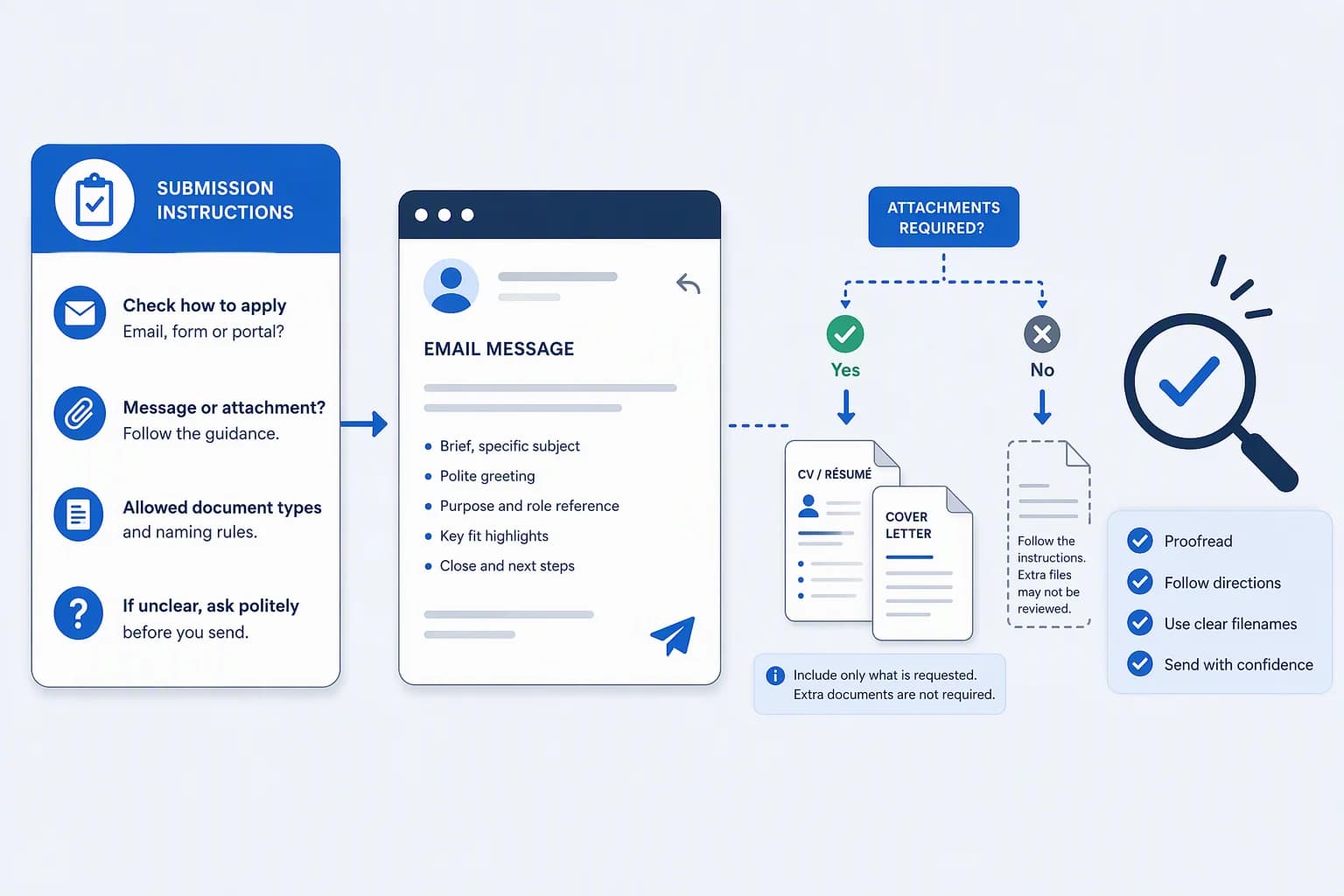
Follow the employer’s file instructions. A straightforward layout with clear section headings is a sensible default when those instructions leave the choice to you. Keep contact details in the main document body and avoid conveying important information only through icons or graphics.
Greenhouse also explains that, when parsing fails, the resume can remain attached and details can be entered manually. That documentation does not support a claim that every formatting issue causes automatic rejection. A readable export is worth checking; no template or external score proves how a particular employer will assess you.
If the application form shows fields imported from your CV, check the contact details, employers, job titles and dates before submitting. Correcting those fields addresses an extraction problem; it does not establish how the employer will evaluate your experience.
7. Check every suggested rewrite against the original
If you use AI to suggest wording, supply your actual experience and the job description. Ask it to flag missing evidence rather than fill gaps. Review changes to ownership, seniority, technologies and results: ‘supported a migration’ must not quietly become ‘led a migration’.
Read the original and tailored versions side by side. Keep a suggested improvement only if you could explain it to an interviewer. The CVer guide to preparing a role-specific CV shows how to review the adjusted document, correct unsupported claims and inspect the downloaded PDF.
8. Check the exact file you will submit
Open the exported file after the final edit. You can use the CV checker to review its text checks. Its score does not verify your qualifications, certify ATS compatibility or predict an interview. Check the application instructions and the truth of each claim yourself.
In CVer, generate the PDF again after changing the document, then download and inspect that version. Saving edits alone does not refresh an existing PDF. The editor warns when the PDF is out of date.
- Confirm names, contact details, dates, job titles and links.
- Check that the role’s main requirements connect to evidence you can explain.
- Verify every number and distinguish your work from the team’s result.
- Select and copy the text to check for missing content or an unexpected reading order; this is a useful check, not a simulation of every ATS.
- Review page breaks, clipped lines and text size in the exported file.
- Use the requested file type and keep a named copy with the job description for interview preparation.
Common questions
Do I need a completely new CV for every application?
No. Keep a factual master CV, then adjust the summary, relevant bullets and emphasis for each role. Similar roles may need small changes. The check that matters is whether the version you send answers this employer’s requirements.
Can I tailor a CV without measurable achievements?
Yes. Describe what you changed, delivered or verified. A documented error response, an adopted handover guide or a completed migration can provide useful evidence without an invented percentage. State the limits of what you know.
Should I copy keywords from the job description?
Use relevant terms when they accurately describe your experience. Put them in understandable skills and project descriptions. Repeating words without evidence makes the document less useful and does not establish that you meet a requirement.
Is PDF always the best format for an ATS?
Follow the application’s instructions. If PDF is accepted, use a text-based export and inspect it. An image of a CV inside a PDF can still cause parsing problems. No file extension guarantees correct extraction in every system.
Sources and further reading
- How to write a CVNational Careers Service · Accessed
- Harvard College Guide to Creating a Strong ResumeHarvard Mignone Center for Career Success · Accessed
- Unsuccessful resume parseGreenhouse Support · Accessed